Style, Animation & Effects Overview
This group explores visual polish techniques that improve readability and perceived quality.
- Switch graph themes, canvas skins, and layout presentation presets at runtime.
- Add neighborhood backgrounds, grouped highlights, rotation controls, and center-offset tuning.
- Combine line animation and overlay effects for richer visual feedback.
Use this group when you want to refine final UX quality beyond core functionality.
Style & animation & effects
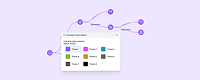
Graph CSS Theme Switcher Pro
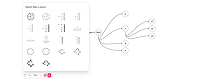
Graph Theme and Layout Preset Switcher Team
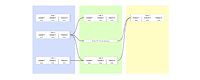
Partition Graph with Canvas Zones
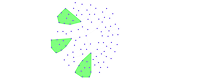
Node Neighborhood Group Background Pro
Click-Driven Related Node Group Highlights Pro
Canvas Center Offset
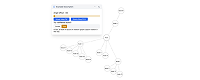
Layout Rotation Controls Pro
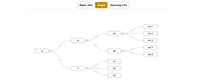
Initialize Graph On Tab Reveal
Expand/Collapse Relayout Toggle (Top-Down Tree)
Expand/Collapse Relayout Toggle (Center Layout)
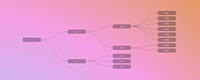
Graph Canvas Theme Switcher
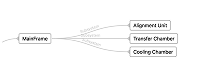
Custom Line Arrow Presets
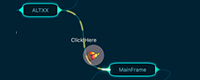
Line-Following HTML DIV Overlay Pro
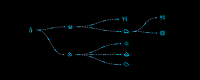
Graph Line Animation Presets